The right images make your therapy website look and feel like your practice, and they speak directly to the clients you most want to serve. Whether you invest in a professional photoshoot or take time to find stock photos that feel warm and grounding, the visuals on your site are doing important work.
But if those images don’t have thoughtful alt text attached to them, they could be quietly working against you in two very important ways: making your website less accessible to some visitors, and leaving real SEO value on the table.
The good news? This is one of the most practical and impactful improvements you can make to your therapy website right now. And you don’t need to be a web designer to do it.
What Is Alt Text?
Alt text (alternative text) is a short written description attached to an image in the code behind your website. Visitors browsing your site won’t see it, but three groups rely on it:
Screen Readers
Assistive technology reads alt text aloud so people with visual impairments can understand what an image shows.
Search Engines
Google and other search engines can’t actually see images. They read the alt text to understand what the image contains (which helps your pages rank).
Slow or Broken Connections
When an image fails to load, the alt text appears in its place so visitors still understand what was meant to be there.
For therapists and wellness professionals, accessibility isn’t just a technical checkbox, it’s an extension of the values you bring to your work. Your website should feel welcoming to every person who lands on it, and alt text is a meaningful part of making that happen.
Why Alt Text Matters for Your SEO
When someone searches "therapist in Philadelphia" or "trauma therapist accepting new clients", Google works to figure out which websites are the most relevant and trustworthy. One of the signals it uses is the content of your images, read through their alt text.
So a photo of your cozy therapy office labeled with something like "IMG_3847.jpg" tells Google nothing. But a photo described as "calming therapy office in Philadelphia with warm lighting and a comfortable sofa" gives Google real context. It connects your image to the search terms your ideal clients are already using.
When you multiply that across every image on your website, you start to build a much clearer picture for search engines of who you are, where you are, and who you serve.
How to Write Alt Text That Actually Works
Good alt text is specific, descriptive, and natural. It isn’t stuffed with keywords, but it does weave in relevant information where it makes sense. Here are some guiding principles:
Be Descriptive: Skip vague wording like "Woman sitting", and instead opt for descriptive labels like "Therapist sitting in an office creating a calm and welcoming atmosphere".
Include Location When Relevant: If you serve a specific area, weaving that into your alt text naturally is a smart local SEO move. For example, "Cozy couples therapy office in Center City Philadelphia".
Mention Your Specialty When It Fits: Your alt text isn’t the place to list every service you offer, but when a photo genuinely connects to a specific area of your work, say so. For example, "EMDR therapist working with a client in a private practice setting".
Keep It Under 125 Characters: Most screen readers cut off alt text around 125 characters, so aim to be concise while still being meaningful. You don’t need to write an essay, just a clear, specific sentence will do.
Don’t Start With "Image of" or "Photo of": Screen readers already announce that something is an image, so starting your alt text with "Image of" is redundant and wastes valuable character space. Just jump right into the description.
Leave Decorative Images Empty (On Purpose): If an image is purely decorative, like a simple background texture or a decorative dividing line, it should have an empty alt attribute (alt=""). This tells screen readers to skip it entirely, which actually improves the experience for visitors using assistive technology. Not every image needs a description.
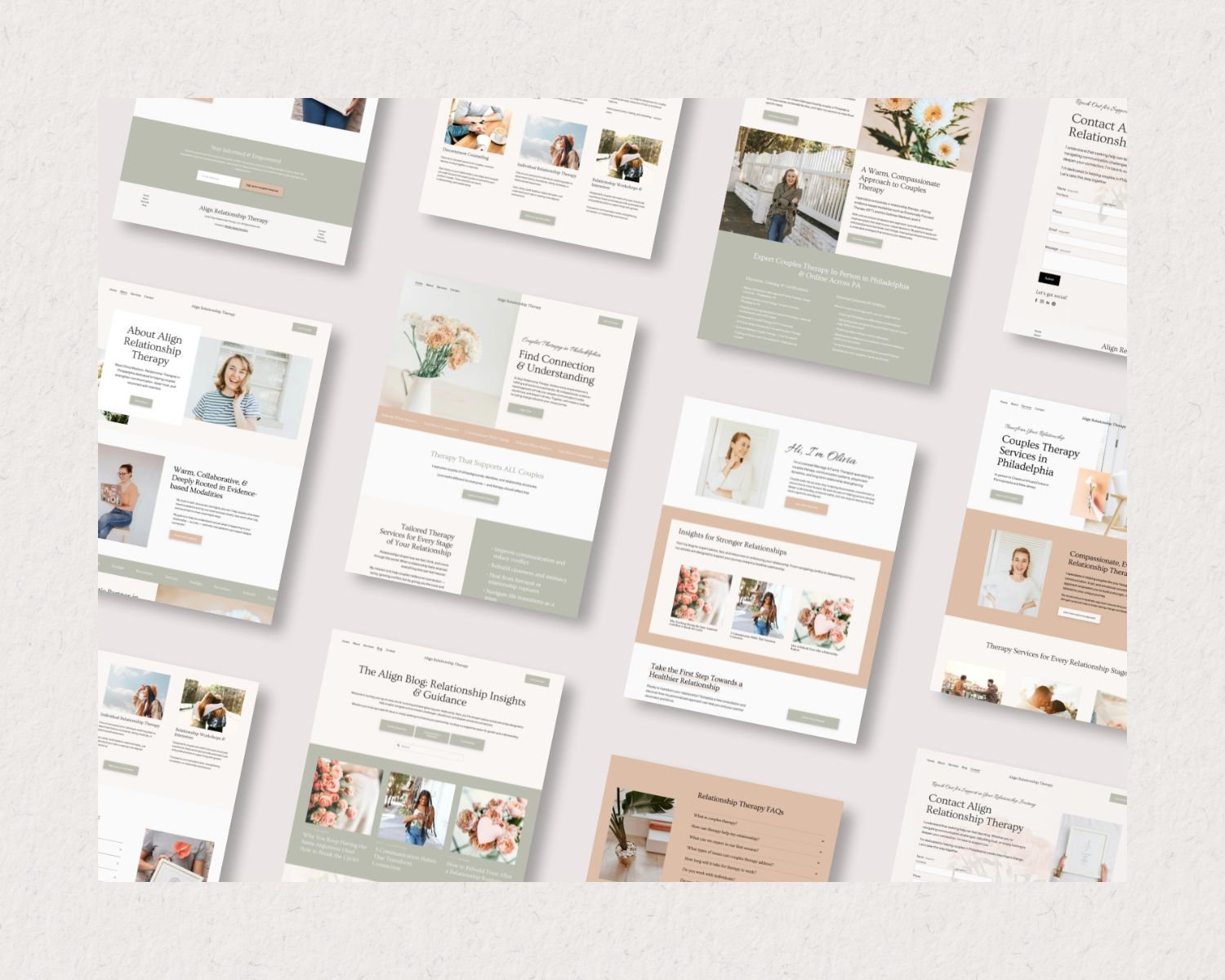
Choosing the Right Images for Your Therapy Website
Alt text can only do so much if the images themselves aren’t working in your favor, so choose photos that support accessibility, SEO, and design whenever possible.
Use Authentic, Relevant Photos
The most powerful images on a therapist website are the ones that feel authentic. A photo of your actual office space, your general location or neighborhood, or yourself (if you’re comfortable) goes so much further than generic stock photos that could belong to any website.
When your images are your own, your alt text naturally becomes more specific and more useful, because you’re describing something real and unique to you.
Think About What Your Images Communicate
Every image on your site sends a message to a potential client. A bright, airy waiting room communicates safety and calm. A professional headshot with a warm smile communicates approachability. Before choosing an image, ask yourself: what does this communicate, and is that the message I want to send?
Once you know what an image is meant to communicate, writing the alt text for it is easy.
Name Your Image Files Thoughtfully
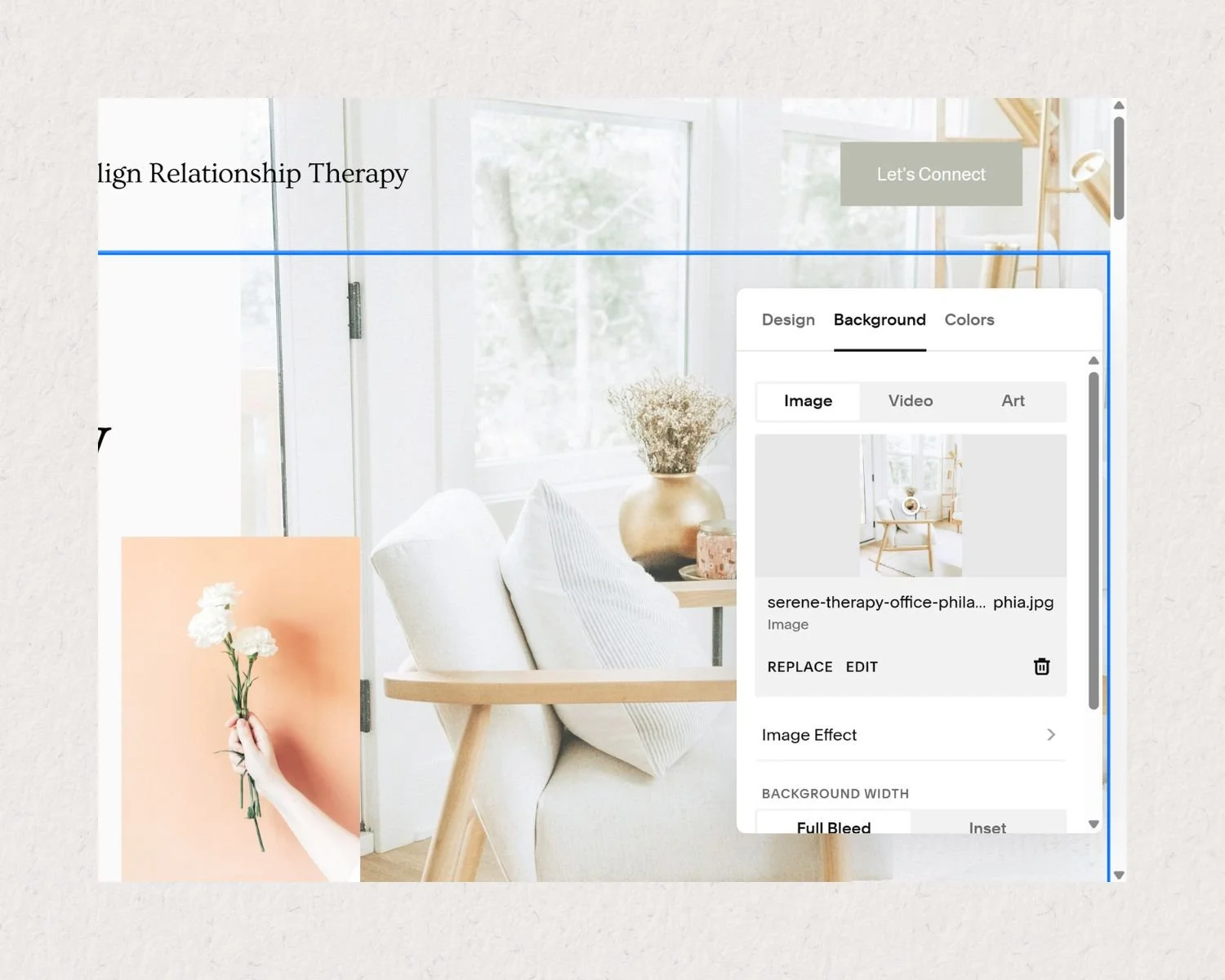
Before you upload an image to your website, rename the file to something descriptive. Search engines also read file names as a ranking signal. So skip "IMG_3847.jpg" and try "philadelphia-therapist-office.jpg" instead.
How to Add Alt Text in Squarespace
If your website is built on Squarespace, adding alt text is straightforward. Here’s how to do it:
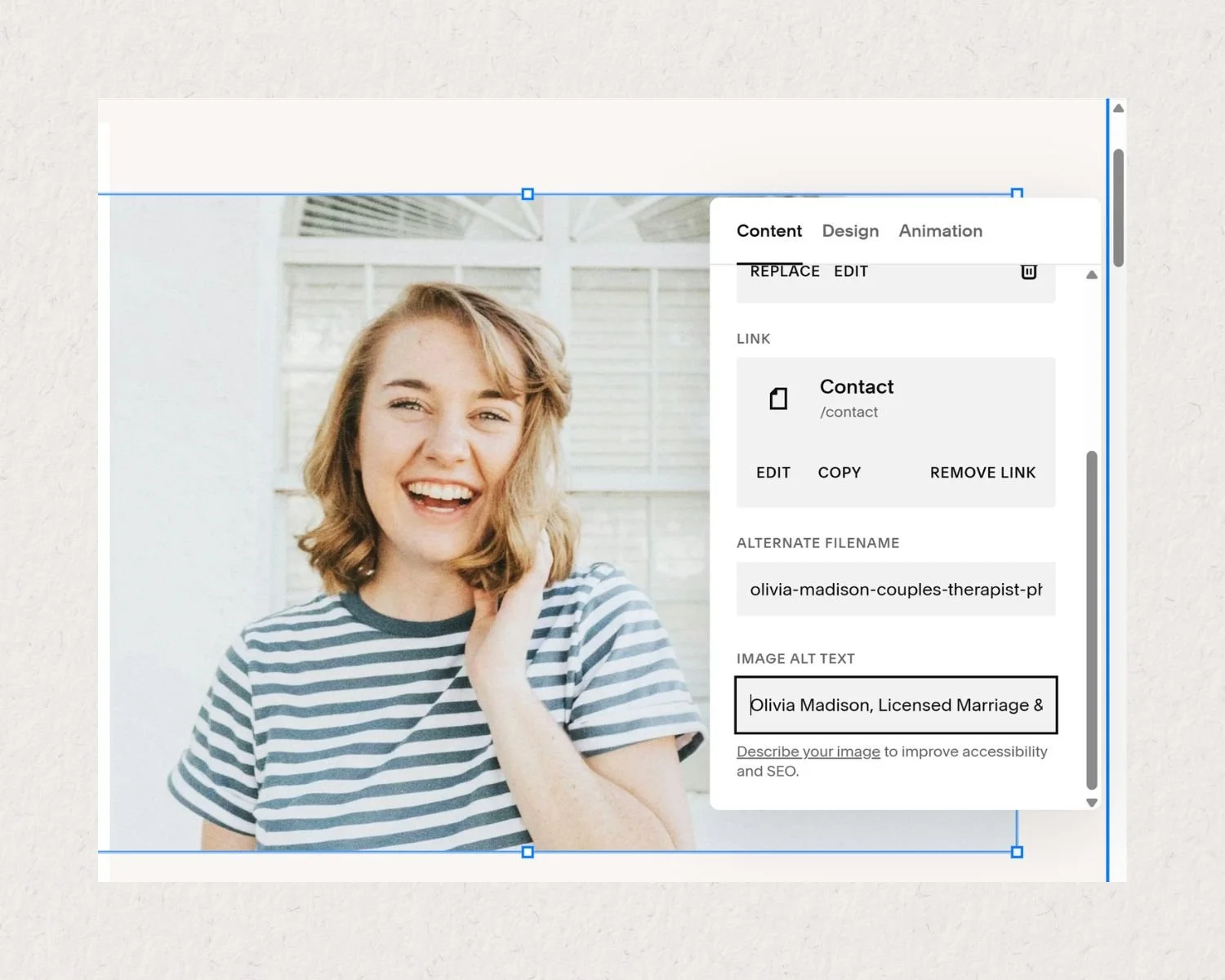
Click on any image block on your page to select it.
In the image editor panel, look for the "Image Alt Text" field (it may also be labeled "Accessibility Text" depending on your version of Squarespace).
Type your descriptive alt text into the field.
Save your changes.
Set aside one focused hour to go through your existing website images and add or improve the alt text on each one. Start with your home page and service pages since they tend to drive the most traffic.
A Quick Alt Text Audit for Your Website
Not sure where to start? Here’s a simple process to audit the images on your therapy website:
Step 1: Make a list of every page on your website that contains images.
Step 2: Go through each page and check whether each image has alt text.
Step 3: For each image missing alt text, write a brief, specific description using the tips above.
Step 4: For images that already have alt text, check whether it’s specific and meaningful, or just a leftover file name or vague placeholder.
Step 5: As you add new images to your site, make adding alt text part of your standard upload process.
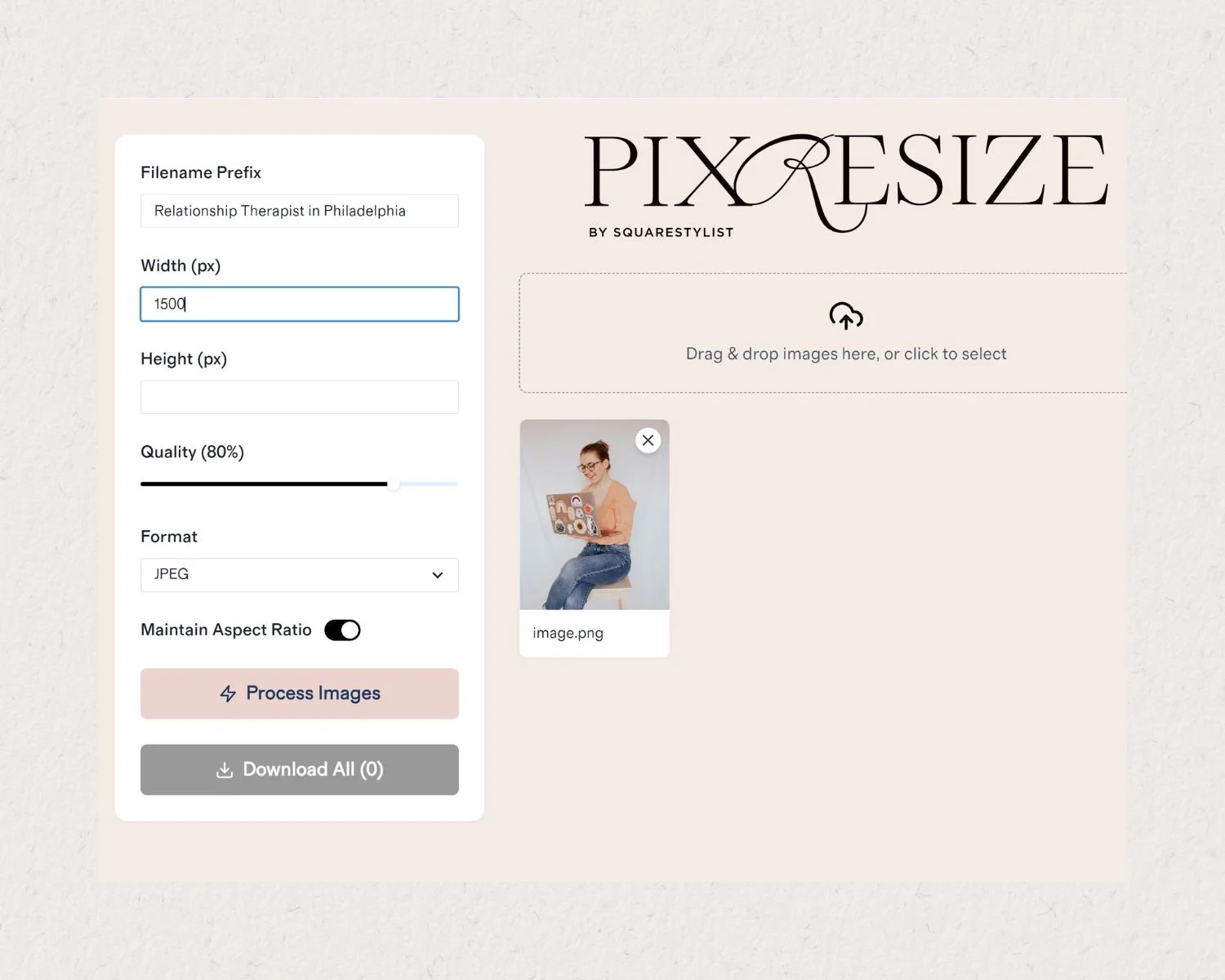
Pro Tip: While you’re at it, compress images before uploading them. Keep them under 500 KB (even better if you can reduce them to under 250 KB). PIXRESIZE by Squarestylist is my absolute favorite tool for compressing images without losing image quality.
The Bigger Picture: Accessibility as a Value
Accessibility in web design is about making sure that everyone, regardless of ability, can access and benefit from your online presence. For therapists and wellness professionals, this feels especially aligned with the work you do.
When a potential client using a screen reader visits your website and can clearly understand every image on your page, that experience communicates that your practice is a space where they are seen, considered, and welcome.
That’s the kind of first impression that builds trust.
Beyond alt text, other accessibility-forward practices to consider for your therapist website include using sufficient color contrast for text, ensuring your fonts are readable at multiple sizes, and making sure your contact form is easy to navigate with a keyboard.
Need Some Help?
If reading this made you realize that your current website has some gaps, whether in alt text, overall SEO, or just a design that doesn’t quite feel like you anymore, I’d be happy to help.
I work with therapists and wellness professionals to build websites that are not only beautiful and authentic, but also strategically designed to support your growth. That means thoughtful image choices, SEO best practices baked into every page, and a site that feels genuinely welcoming to every visitor.