
Your website is often the first impression clients have of your therapy practice. One of the most powerful ways to make that impression memorable? High-quality, professional photos. Unlike lower-quality cell phone pics or generic stock images, real photos showcase your personality, your space, and your expertise—creating an authentic, welcoming presence online.
Stock images have their place, but they should be used sparingly. Professional photos tell your story in a way that stock images just can’t. And when planned thoughtfully, professional photography can reinforce your brand identity—reflecting your color palette, style, and attention to detail. Here are seven practical tips to make your mental health website photos stand out.
1. Invest in Professional Headshots
A professional, well-lit portrait instantly communicates credibility and approachability. Mixing expressions—from warm smiles to thoughtful poses—can convey both professionalism and empathy, making clients feel comfortable even before their first session.
2. Include Candid Shots
Candid shots bring authenticity and life to your website. Capture yourself naturally in settings such as:
A mock in-person session
Leading a video call
Writing in a notebook
Speaking at a workshop or seminar
Unlike staged stock images, these photos show the real you and help potential clients connect with your practice on a human level.

3. Showcase Your Office Space
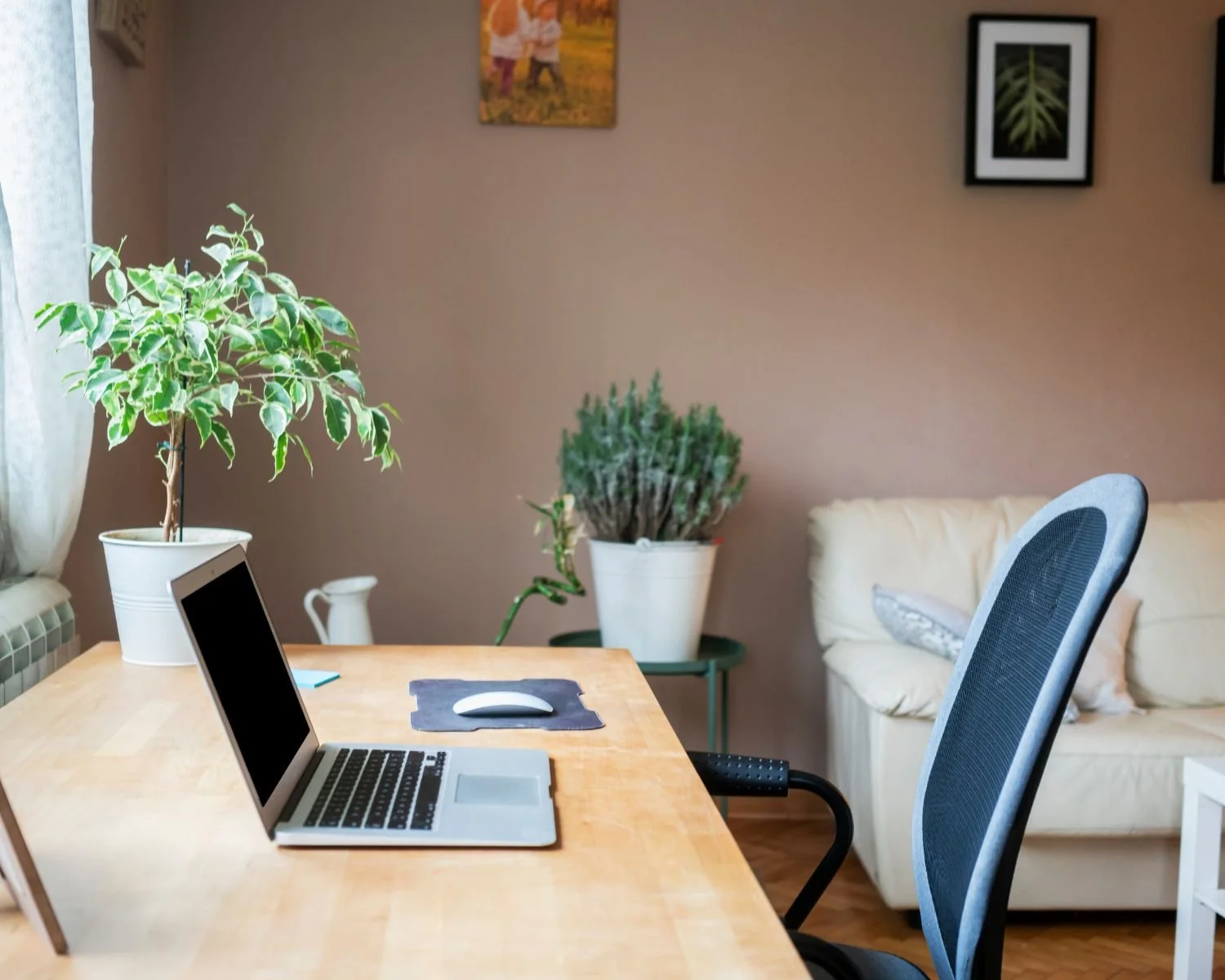
Showcasing your environment makes your website feel authentic and inviting while also helping potential clients feel more at ease. When they can see your office ahead of time, they have a clearer sense of what to expect, which can ease first-session nerves. And because your office likely already reflects your personality and brand, these images naturally reinforce who you are and how you practice.
Consider photographing:
Full-room shots of therapy spaces and waiting areas
Desk setups with meaningful personal touches
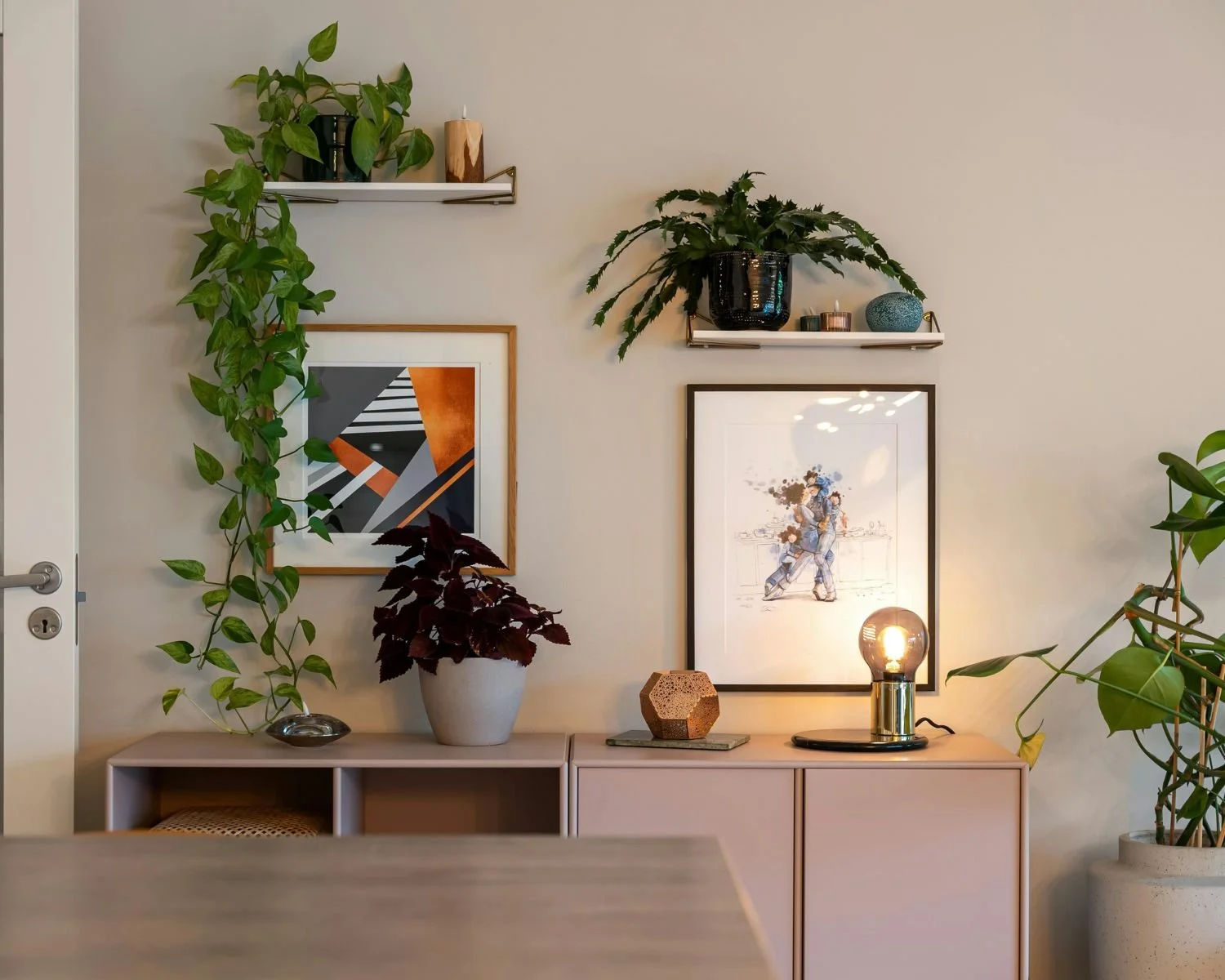
Plants, artwork, textures, or decor that match your brand colors
Building exterior or entrance
Even small details, like a favorite book or piece of art, can subtly reinforce your brand identity and make clients feel welcome.

4. Highlight Therapy Tools and Credentials
Displaying therapy tools, framed certificates, or signage adds credibility and reassures clients. When photographed professionally, these details communicate expertise while fitting seamlessly into your overall brand aesthetic.
5. Capture Lifestyle Images
Lifestyle images add warmth and personality to your website. This one is totally optional, but showing yourself enjoying hobbies, walking outside, or interacting with your community helps clients see the human side of your practice. Shots of you sitting on a park bench, at a cafe, or even just walking down the street show that you’re a regular person and create relatability.
6. Mix Portrait and Landscape Shots
A versatile photo library requires a mix of orientations. Portrait shots work for headshots and staff profiles, while landscape images are ideal for website banners, blog posts, or social media graphics. Including negative space in some photos allows for text overlays and design flexibility.
7. Plan Your Photoshoot to Align with Your Brand
Professional photos are most effective when they’re intentional. Plan your photoshoot to include:
Shots that reflect your brand colors, textures, and style (plan your outfits accordingly)
A mix of indoor and outdoor locations may be relevant depending on your style
Props or tools that represent your practice and how you work
A clear list of must-have images (feel free to share this post with your photographer)
Bonus: Free Website Photography Planning Guide for Therapists
To make planning your photoshoot even easier, I’ve created a free downloadable checklist specifically for therapists. This guide includes a list of must-have shots so you can plan a professional photoshoot that perfectly represents your practice.
A well-planned photoshoot ensures your brand is consistently represented across your website and marketing materials, giving clients a clear sense of who you are and what your practice stands for.
Download your free guide to streamline your photoshoot and ensure your website looks authentic, professional, and welcoming!
Related Posts



You built your website to welcome the right clients — the ones searching for exactly the kind of support you offer. But here’s the thing: if Google doesn’t know your site exists, those potential clients may never find their way to you.