
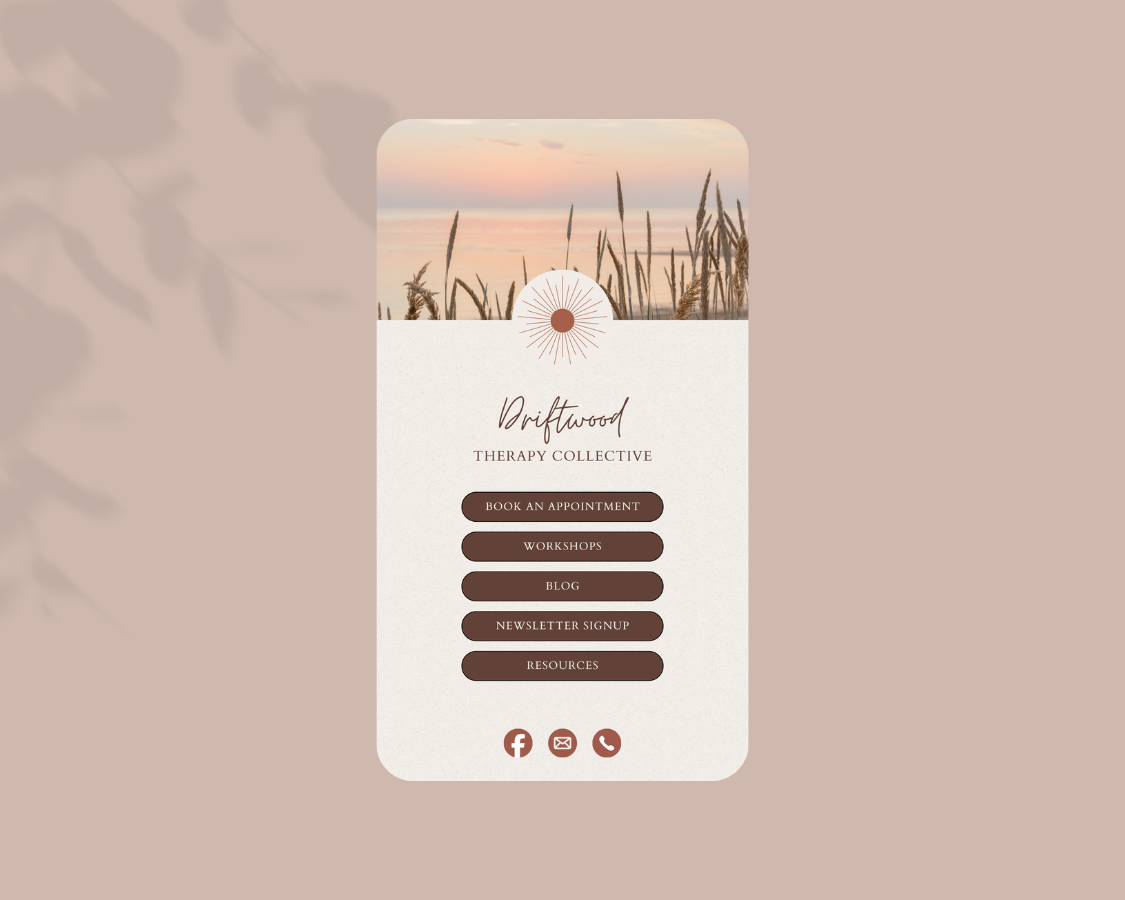
If you’re sharing content on Instagram, speaking on podcasts, growing an email list, or offering workshops, you’ve probably wondered, “Where should I send people when they click the link in my bio?”
That’s where a link-in-bio page comes in.
When strategically integrated into your therapy website, this page acts as a clear, intentional starting point for potential clients to learn about your work and take the next step.
In this guide, I’ll walk you through three simple options for creating a links page, plus how to choose the right one for your practice.

What Is a Link-In-Bio Page (and Why Therapists Need One)?
A link-in-bio page is a single, streamlined page that houses your most important links such as your online booking link (SimplePractice, Jane, etc.), email newsletter signup, free resources or lead magnets, etc.
Instead of constantly changing the link in your bio, you direct people to one central location.
For therapists growing a private or group practice, this is a powerful way to build brand recognition, create clarity for potential clients, and improve conversion from social media. This page can also support SEO for therapists in a way that feels professional and cohesive.
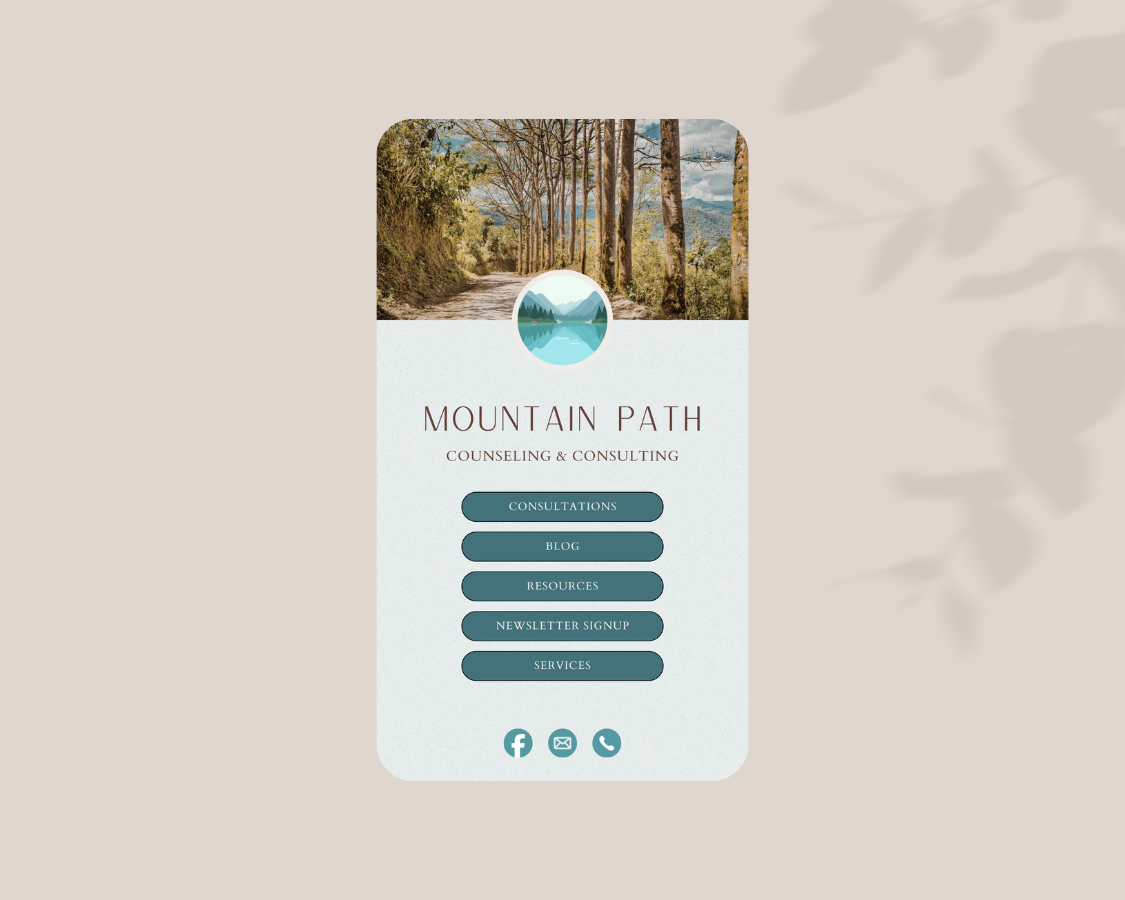
3 Ways to Create a Link-In-Bio Page on Your Therapy Website
Option 1: Create a Page Directly on Your Squarespace Therapy Website
If you already have a Squarespace website, this is the best long-term solution.
Instead of using a third-party platform, you simply create a new page titled something like:
“Links”
“Start Here”
“Resources”
“Connect”
Why This Is Ideal for Therapists:
✔ Keeps visitors on your own domain
✔ Strengthens your SEO
✔ Matches your branding
✔ Feels cohesive and professional
✔ No extra accounts to manage
You can design this page in a variety of ways — for example, using a clean, calming layout with soft background tones and clear call-to-action buttons. Keep the structure simple and intentional, and consider adding a professional headshot or a brief welcoming message to make it feel more personal and aligned with your brand.
This approach supports your overall design strategy — creating an online presence that feels inviting and grounded.
Option 2: Use Squarespace Bio Sites (Free & Simple)
Squarespace also offers Bio Sites, which function as standalone link pages. You don’t even need a Squarespace website to use it.
This option works well if:
You’re in the early stages of private practice
You’re still DIY-ing your therapy website
You want something quick and free
However, keep in mind, customization is more limited and it’s hosted separately, so doesn’t offer the same SEO benefit as a page on your domain.
It’s a great starter solution — especially if you’re wondering, “Can I DIY a link in bio page?” The answer is yes, you absolutely can. But having a cohesive strategy makes a big difference in long-term growth.
Option 3: Use Linktree (Free or Paid)
Linktree is one of the most commonly used platforms for link in bio pages.
Pros:
Very easy to set up
Free plan available
Quick launch
Cons:
Sends traffic away from your therapy website
Limited customization on free plan
Doesn’t strengthen your domain authority

Which Option Is Best for Therapists?
If your goal is to:
Grow your practice
Improve SEO
Attract aligned, ideal-fit clients
Build brand recognition
…then creating a custom page directly on your website is typically the strongest strategy.
When your links page is aligned with your overall design strategy, it becomes a great conversion tool.
Related Posts


You built your website to welcome the right clients — the ones searching for exactly the kind of support you offer. But here’s the thing: if Google doesn’t know your site exists, those potential clients may never find their way to you.